


When posting new articles, consistency is key. Duplicating an existing post ensures formatting remains aligned with psyborg® design standards.
These instructions are based on using Divi 5.
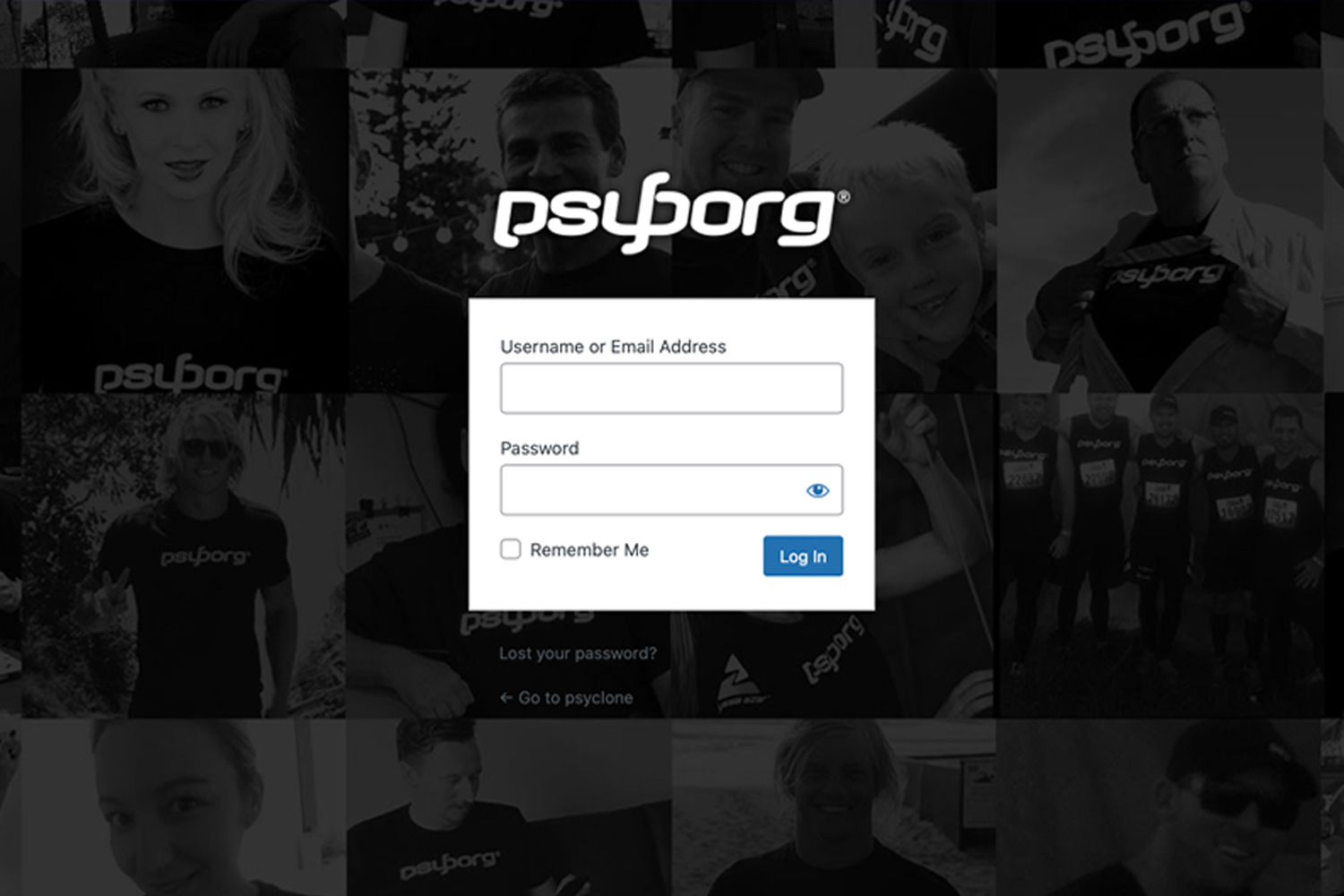
Step 1 – Log In
- yourdomain.com.au/wp-admin
- Enter login details
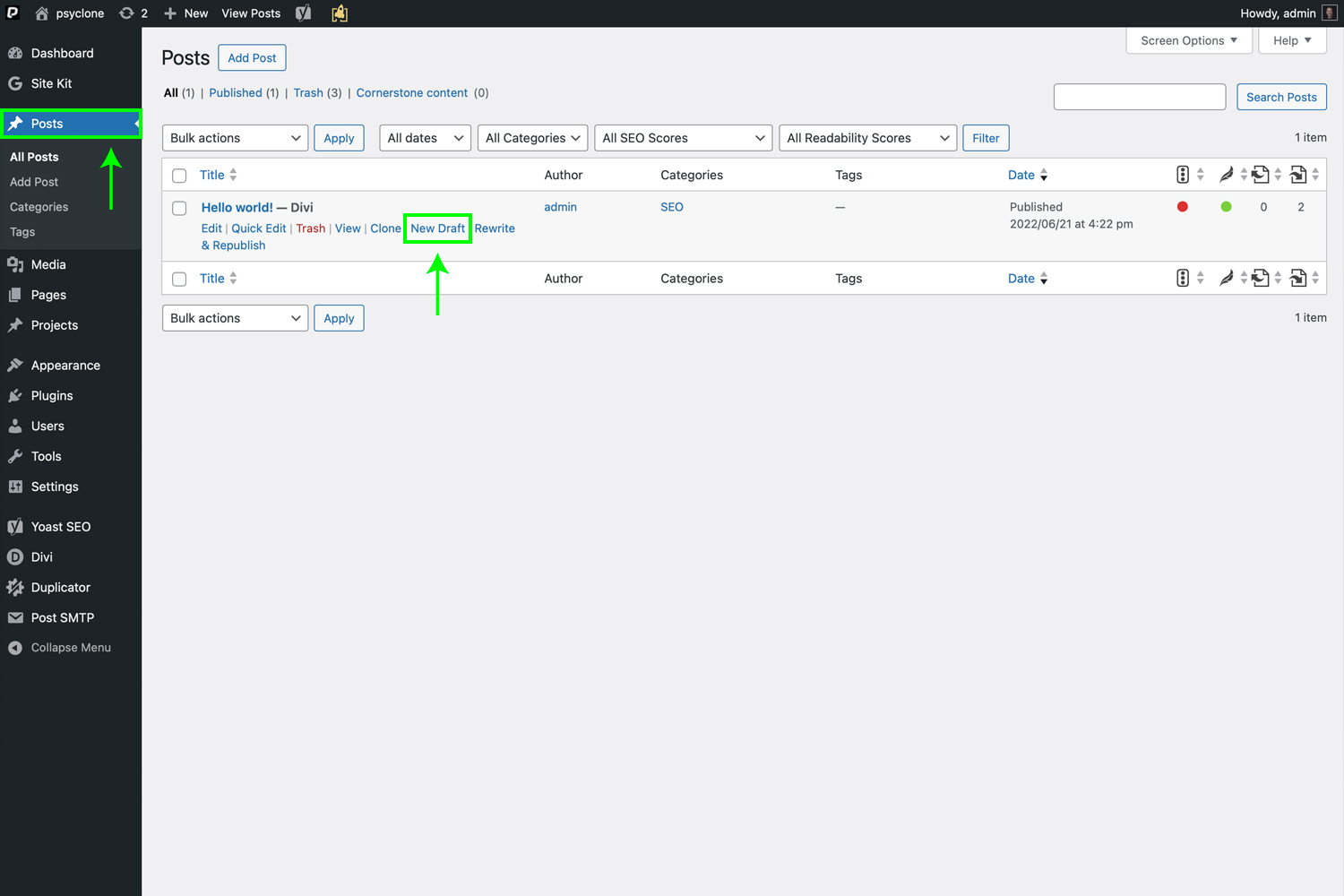
Step 2 – Duplicate Your Previous Blog Format
- Go to Posts
- Hover over the post you want to copy
- Click New Draft (via Duplicator plugin)
- A new Draft version will appear
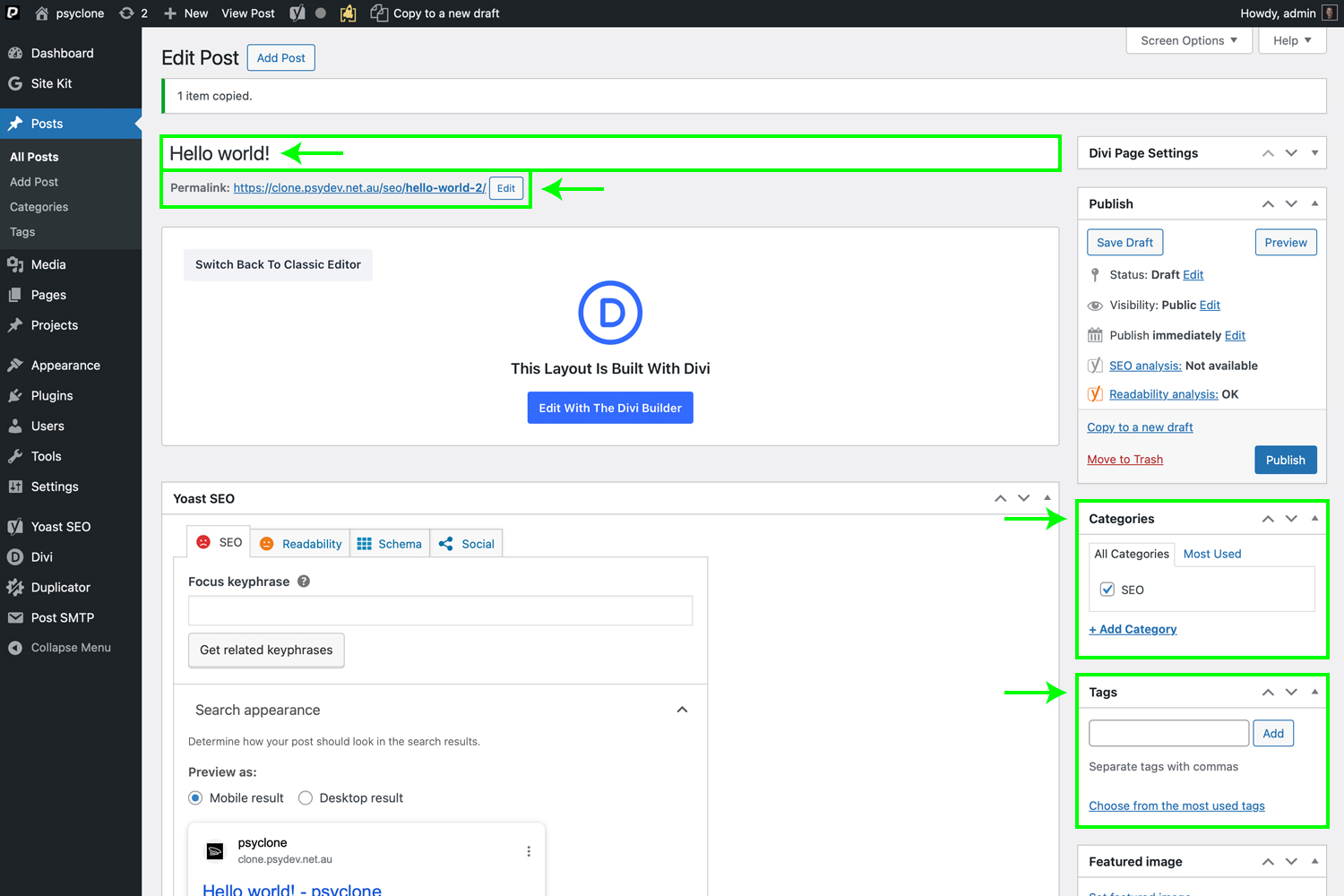
Step 3 – Update Key Details
Open the duplicated draft and update the essentials
| Field | What to Update |
| Title | Your new article headline |
| URL Slug | Keep short, lowercase (e.g. brand-identity-matters) |
| Categories | Select relevant site categories |
| Tags | Add if required |
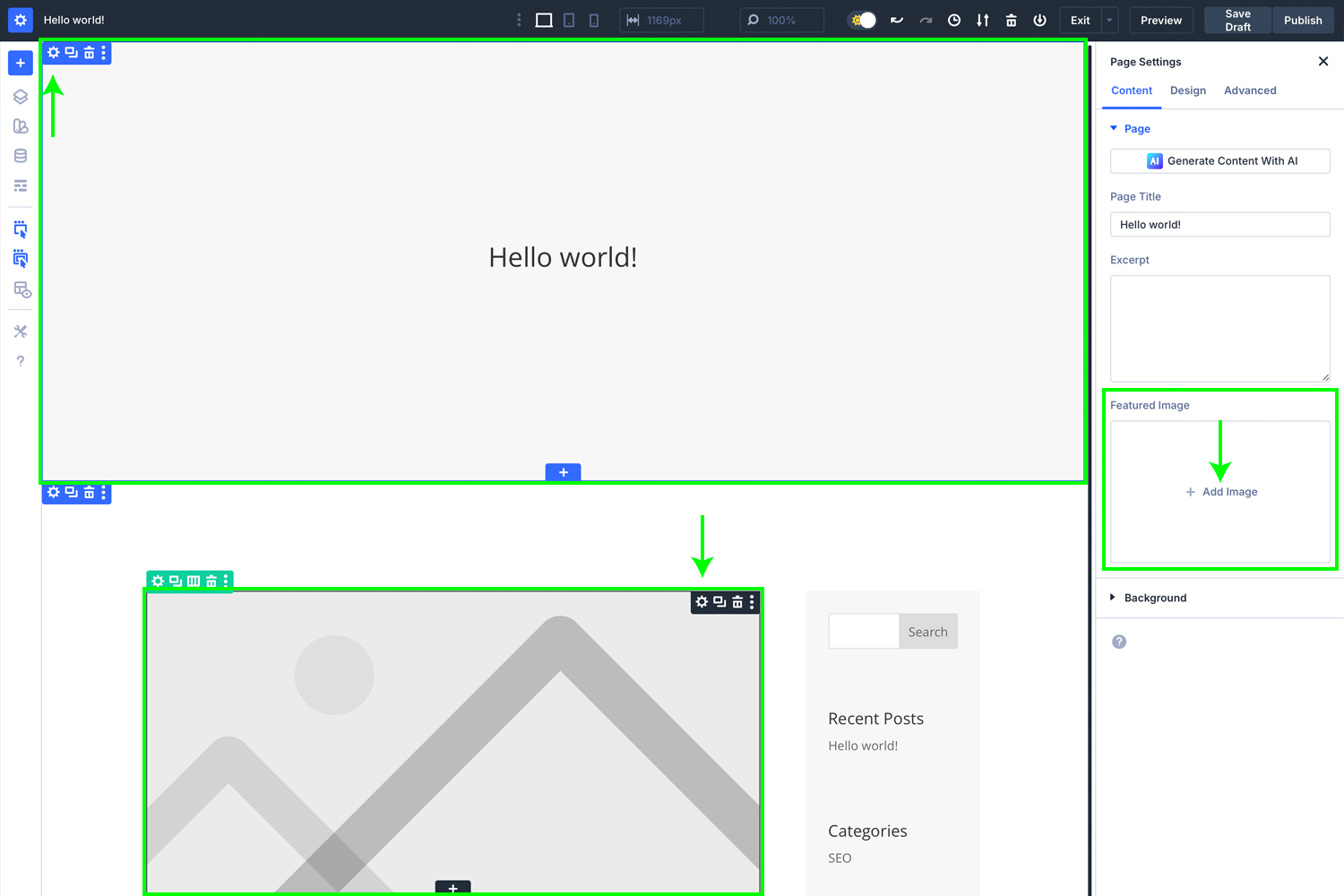
Step 4 – Feature, Banner and News Images
Click ‘Edit with Divi Builder’ to begin editing your new blog post.
- Feature Image → right sidebar → upload new hero visual
- Banner Image → Divi module → Background → Replace Image
3. Banner Title → Divi module → Title → Replace Title Text - News / Listing Image → Divi module → Replace Image
Consistent ratios keep the grid neat.
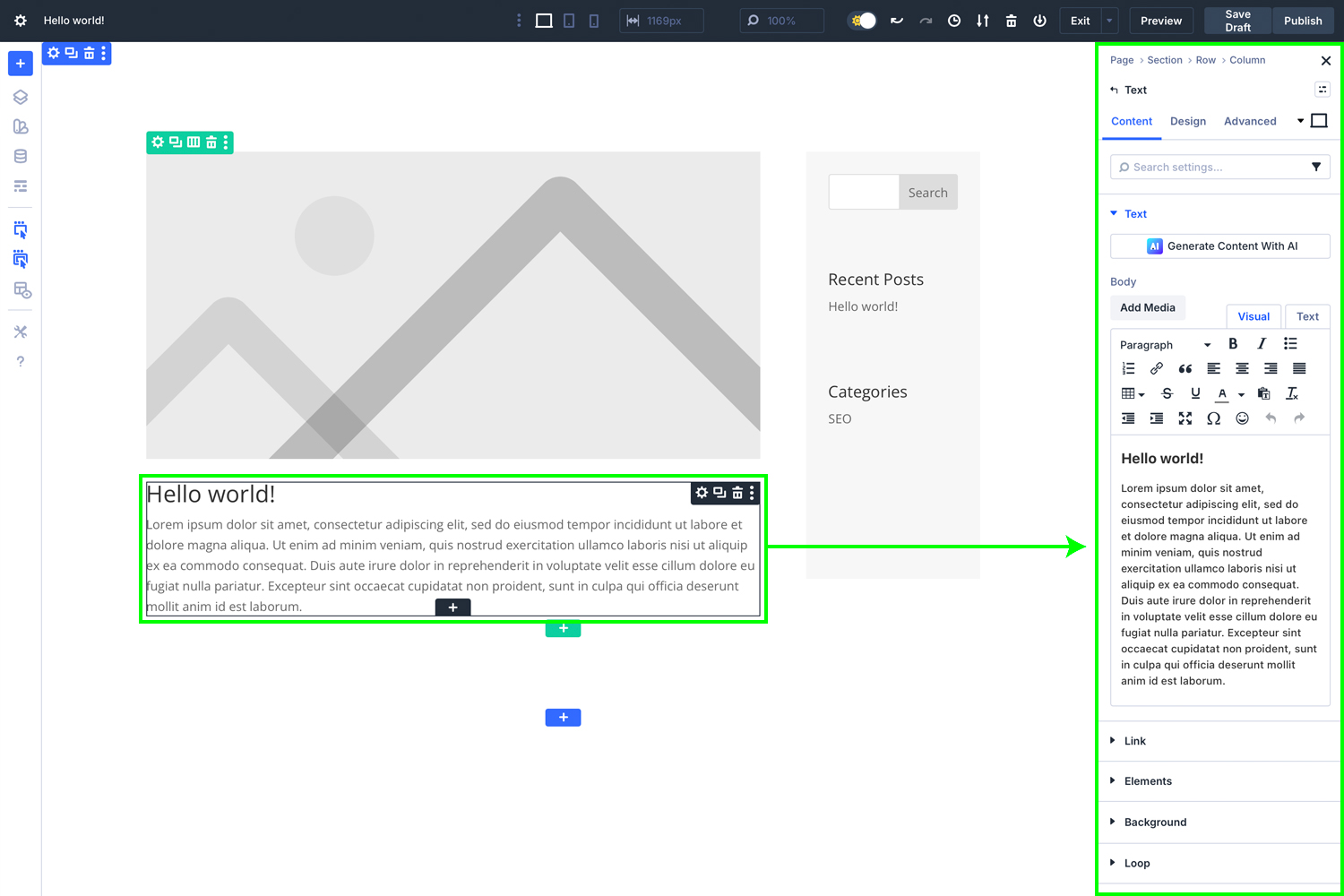
Step 5 – Update Content
Use Visual Builder (Front End)
- Edit headings, text and imagery in live view
- Confirm spacing, alignment and mobile responsiveness
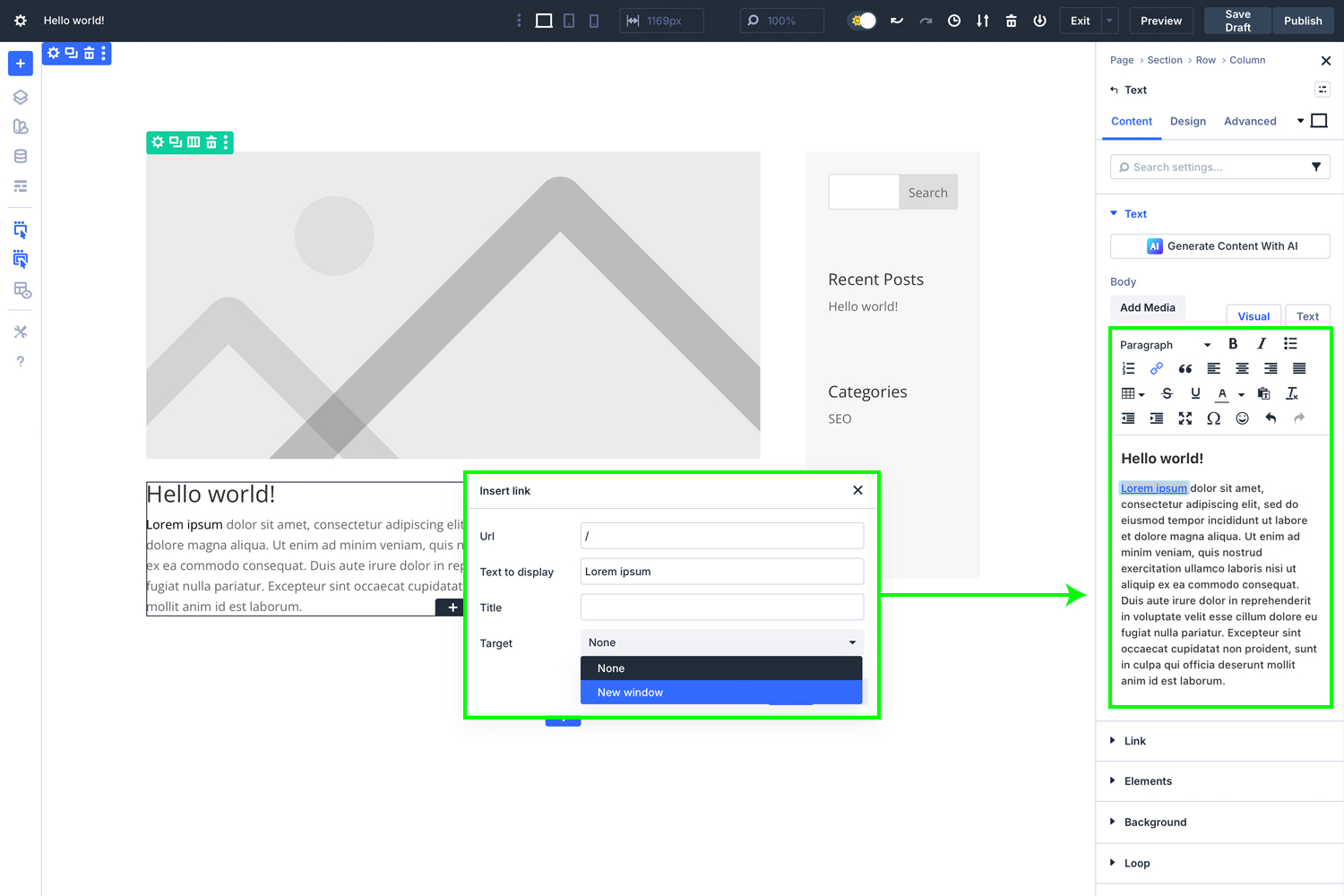
Step 6 – Add Links
- Internal links improve navigation (link to services and case studies)
- External links should open in a new tab (_blank)
- Test all links before publishing
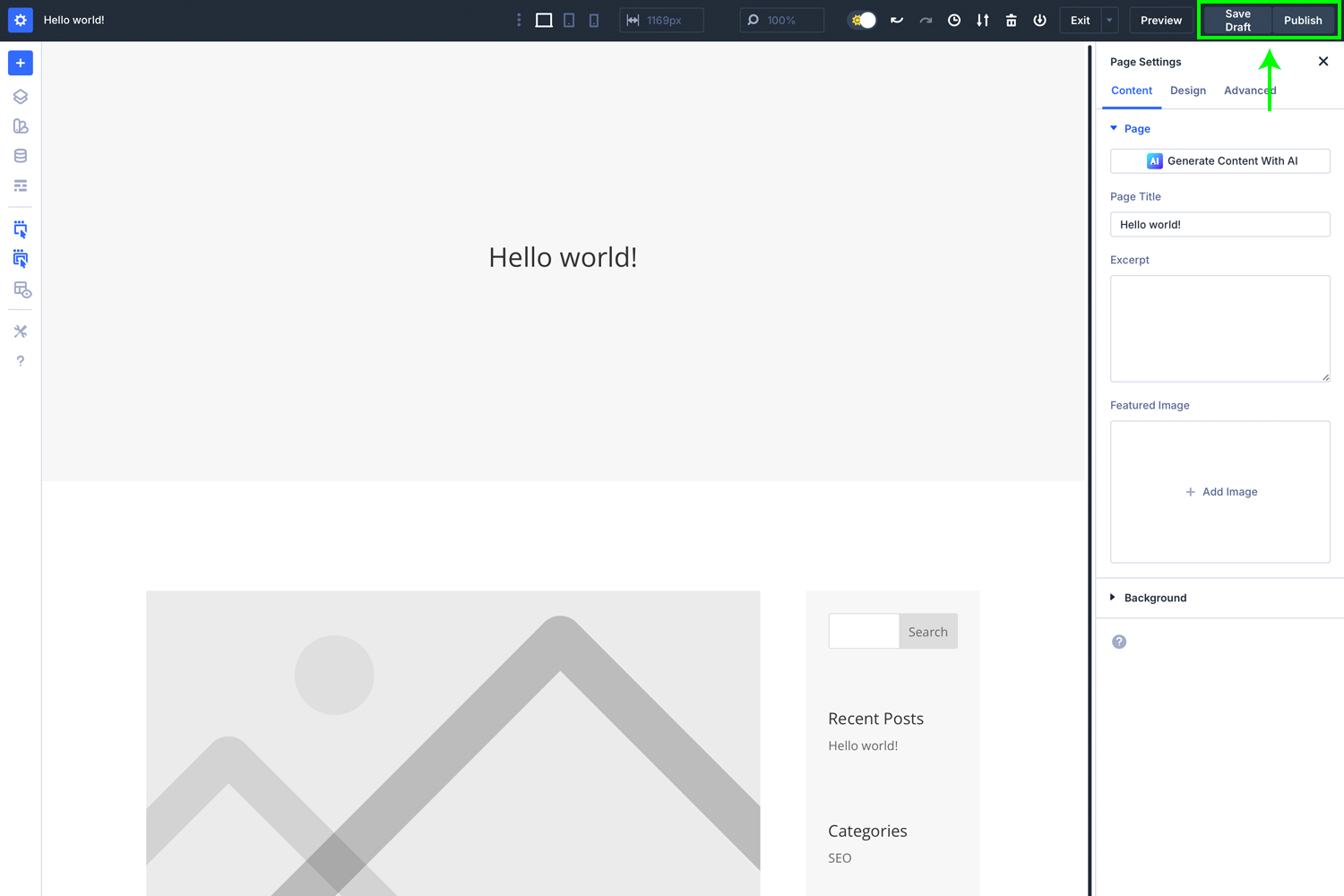
Step 7 – Publish
- Click Save Draft
- Preview
- Once approved, click Publish
- Share to social if required
Best Practice
- Use H2 for main sections
- Keep paragraphs short
- Write for humans and search engines
- Maintain psyborg® tone: confident, creative, intentional
Design with intent. Creativity fuelled by logic.
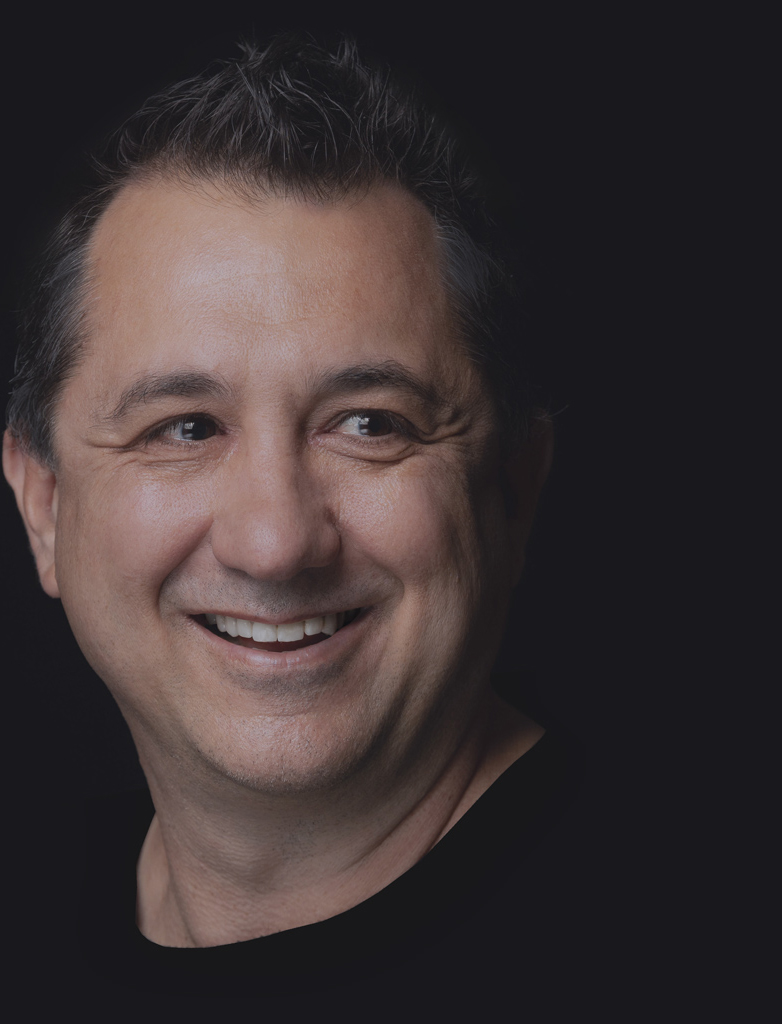
Daniel Borg
Creative Director
psyborg® was founded by Daniel Borg, an Honours Graduate in Design from the University of Newcastle, NSW, Australia. Daniel also has an Associate Diploma in Industrial Engineering and has experience from within the Engineering & Advertising Industries.
Daniel has completed over 2800 design projects consisting of branding, content marketing, digital marketing, illustration, web design, and printed projects since psyborg® was first founded. psyborg® is located in Lake Macquarie, Newcastle but services business Nation wide.
I really do enjoy getting feedback so please let me know your thoughts on this or any of my articles in the comments field or on social media below.